
Anatomy of a Shopify Product Page That Converts
 By Neelam, Founder4 November 20262 min read
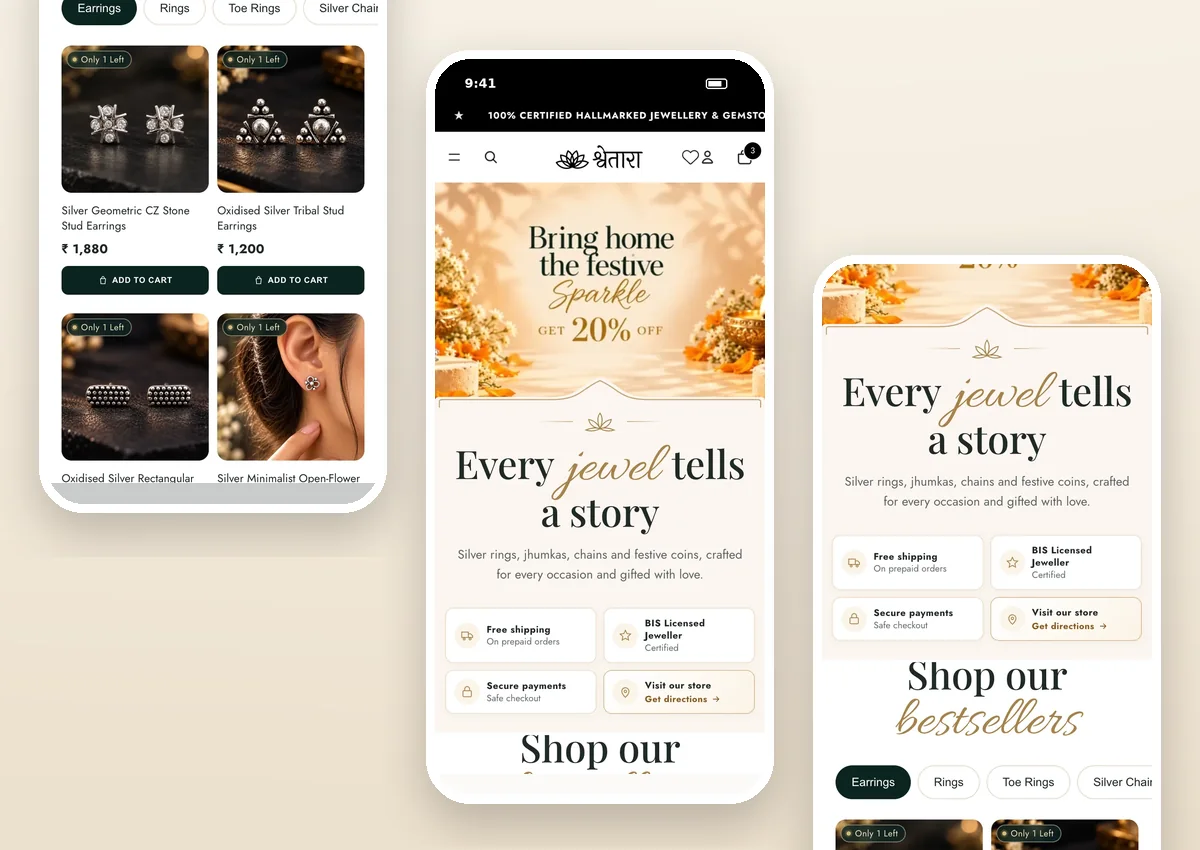
In short: a product page has one job — to answer every question that stands between the shopper and the buy button. Here is the anatomy we use, top to bottom.
1. Gallery that answers “what will I actually get?”
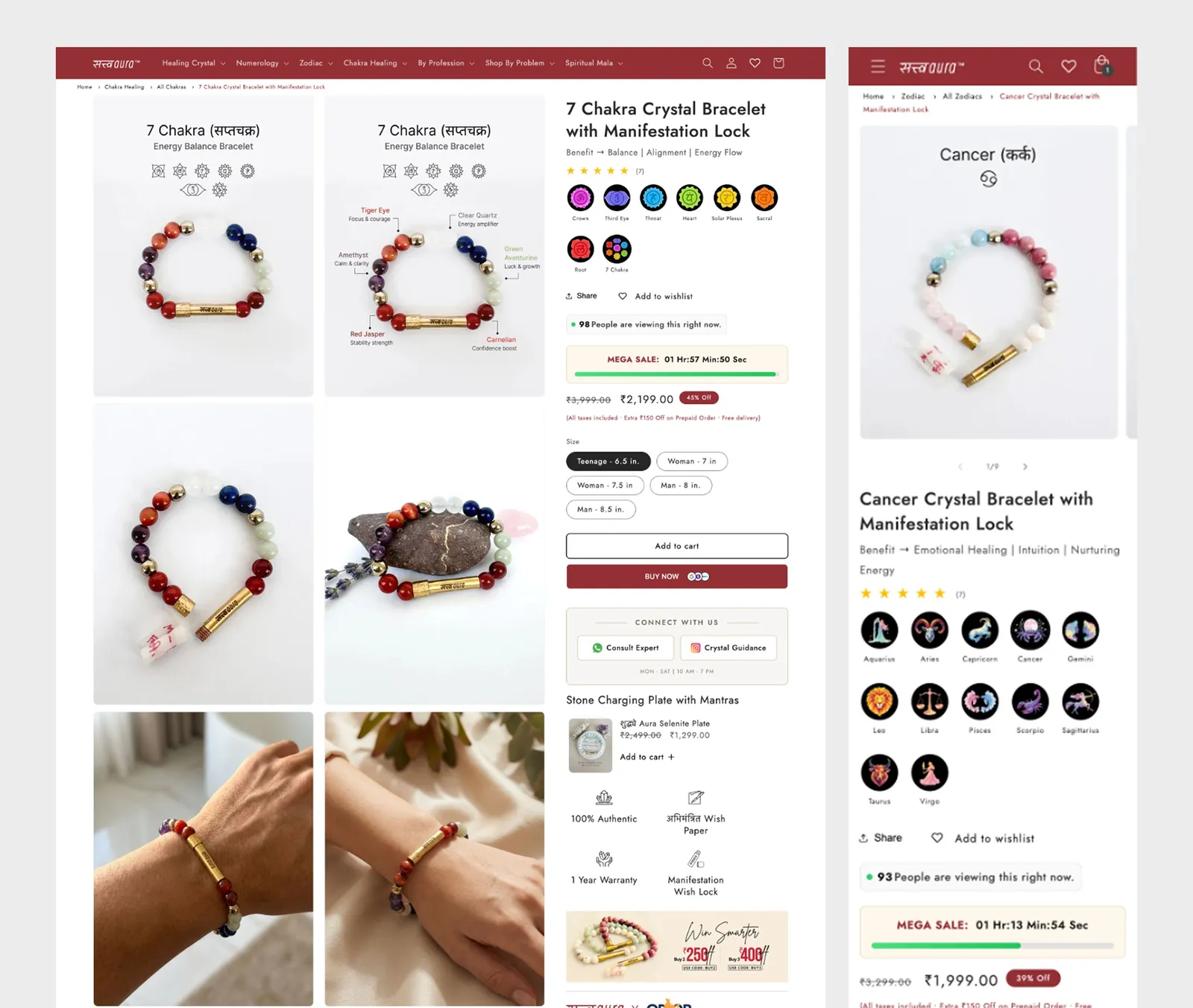
Lead with the clearest image, then show scale and detail: on-hand for jewellery, on-body for fashion, in-room for décor. Avoid making the first image a lifestyle mood shot that hides the product.
2. Title, price and one-line promise
Name the product the way customers search for it. Show the price clearly (with any discount simply explained) and one line on why it is worth it.
3. Variants that can’t be misread
- Use buttons, not dropdowns, for sizes and colours.
- Show out-of-stock options clearly instead of hiding them.
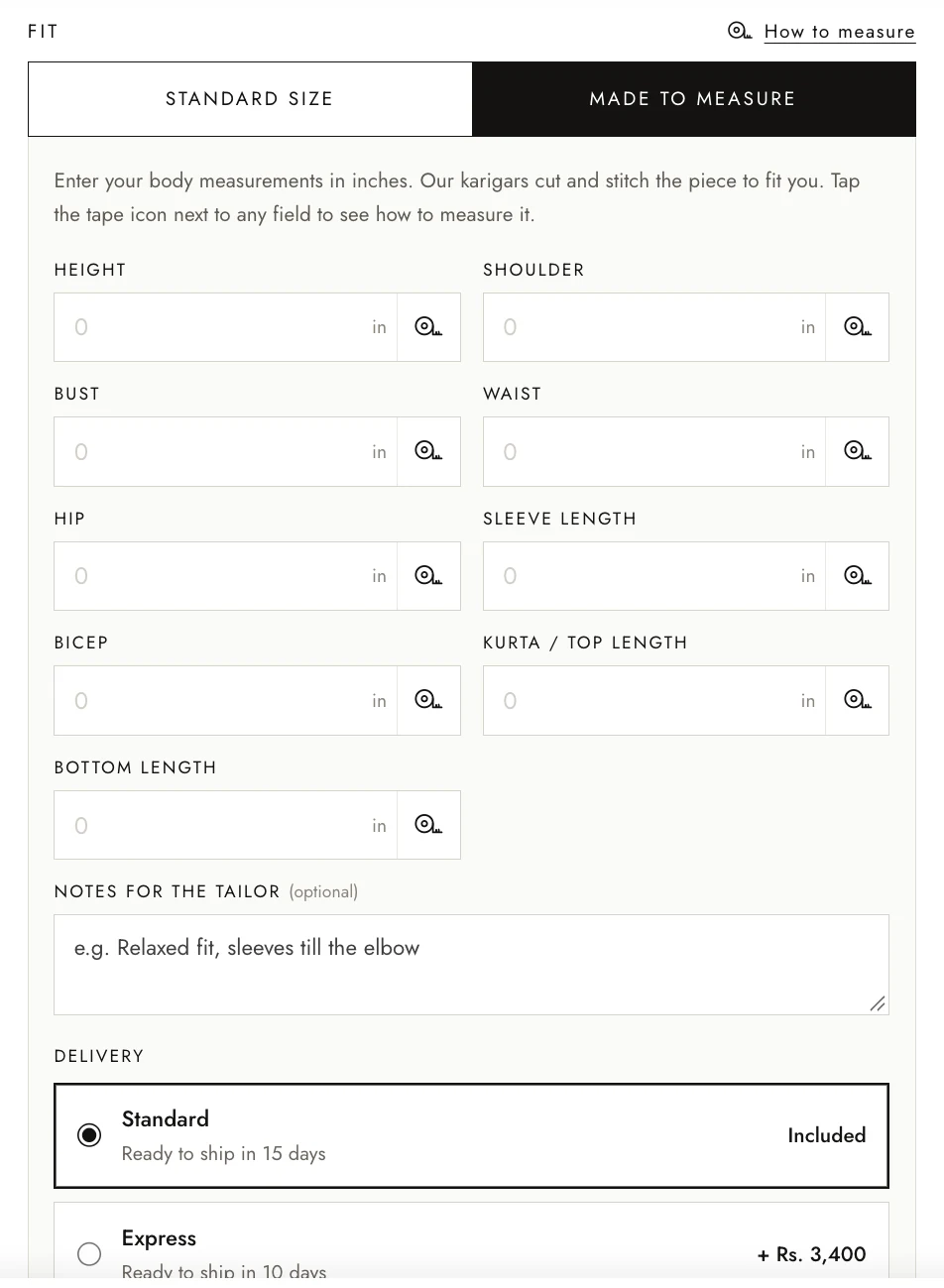
- Link a size guide right beside the size choice — or go further, like Surahi’s Made to Measure.
4. The buy box
Add to Cart and Buy Now, sticky on mobile once the shopper scrolls. Directly under it: delivery estimate by pincode, COD availability, return policy and secure-payment badges. These answer the questions people otherwise leave to Google.
5. Proof
Reviews with photos, ratings near the title, and specific trust points (“6-month warranty”, “handcrafted”, “15-day money back”) work better than generic “100% quality” claims.
6. Details people scan, not read
Use short tabs or accordions: material, care, ingredients, size, shipping. Keep the first lines visible; the rest can expand.
7. Help them buy more, gently
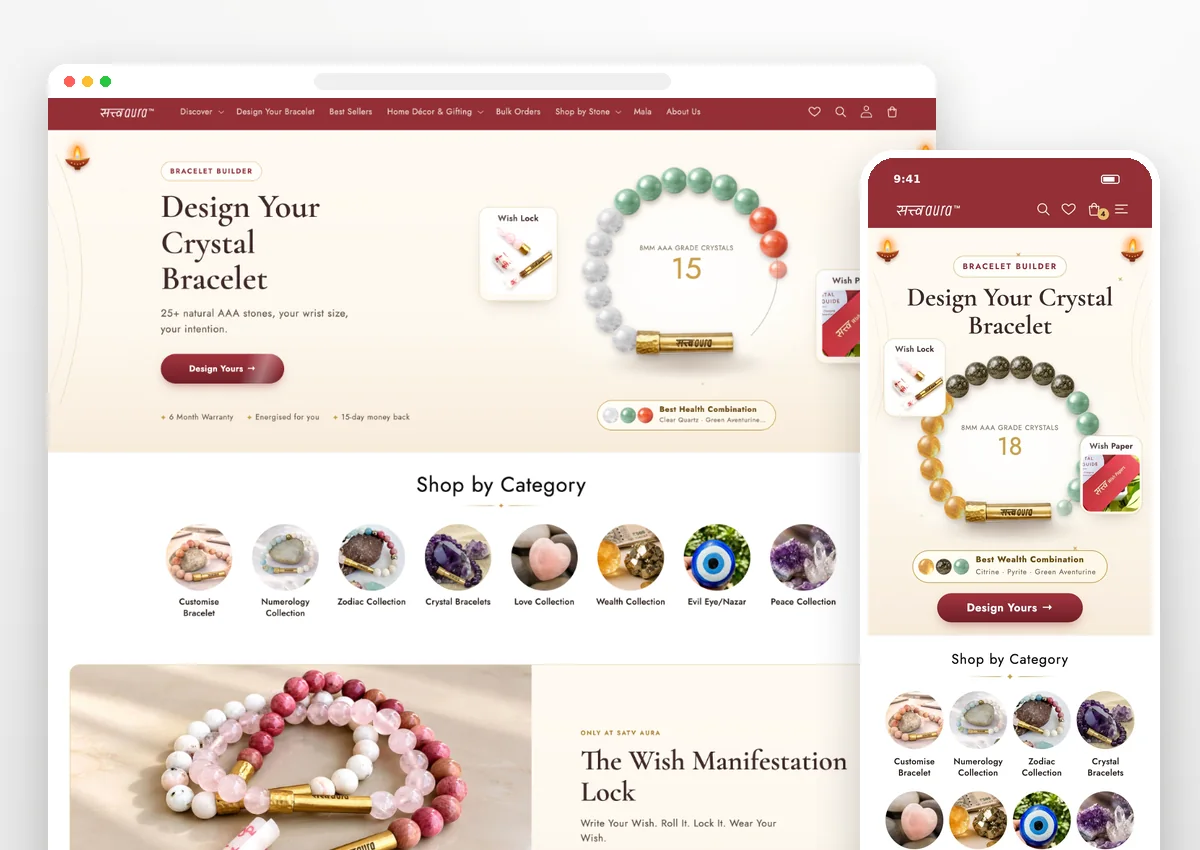
“Complete the look”, bundles and “often bought together” raise order value when they are genuinely useful. Satv Aura’s Wish Lock and Wish Paper add-ons work because they belong to the product’s story.
Quick product-page checklist
| Check | Yes / No |
|---|---|
| Price, variant and button visible together on mobile | |
| Delivery time and returns next to the button | |
| At least one image that shows real size | |
| Reviews visible without scrolling far | |
| Sticky buy button on mobile |
Need custom sections on your product page? We build them on Shopify — delivered in 7 days, or a full refund.
FAQ
What should be above the fold on a product page?
The main product image, the name, price, the key variant choice (size, colour) and the Add to Cart button — plus one line that answers the biggest doubt, such as delivery time or returns.
How many product images should a Shopify product have?
Enough to answer every visual question: front, back or side, detail close-ups, scale (on hand, on body or in a room) and packaging if it is a gift. Quality matters more than count.
Can you add custom features to a Shopify product page?
Yes. Custom sections such as size builders, bundle pickers or made-to-measure forms can be coded into a Shopify theme. We deliver custom Shopify coding in 7 days, or a full refund.
Want a product page that sells?
We design and build Shopify experiences that sell — and get found on Google and AI search. Custom Shopify coding in 7 days, or a full refund.
Book a call